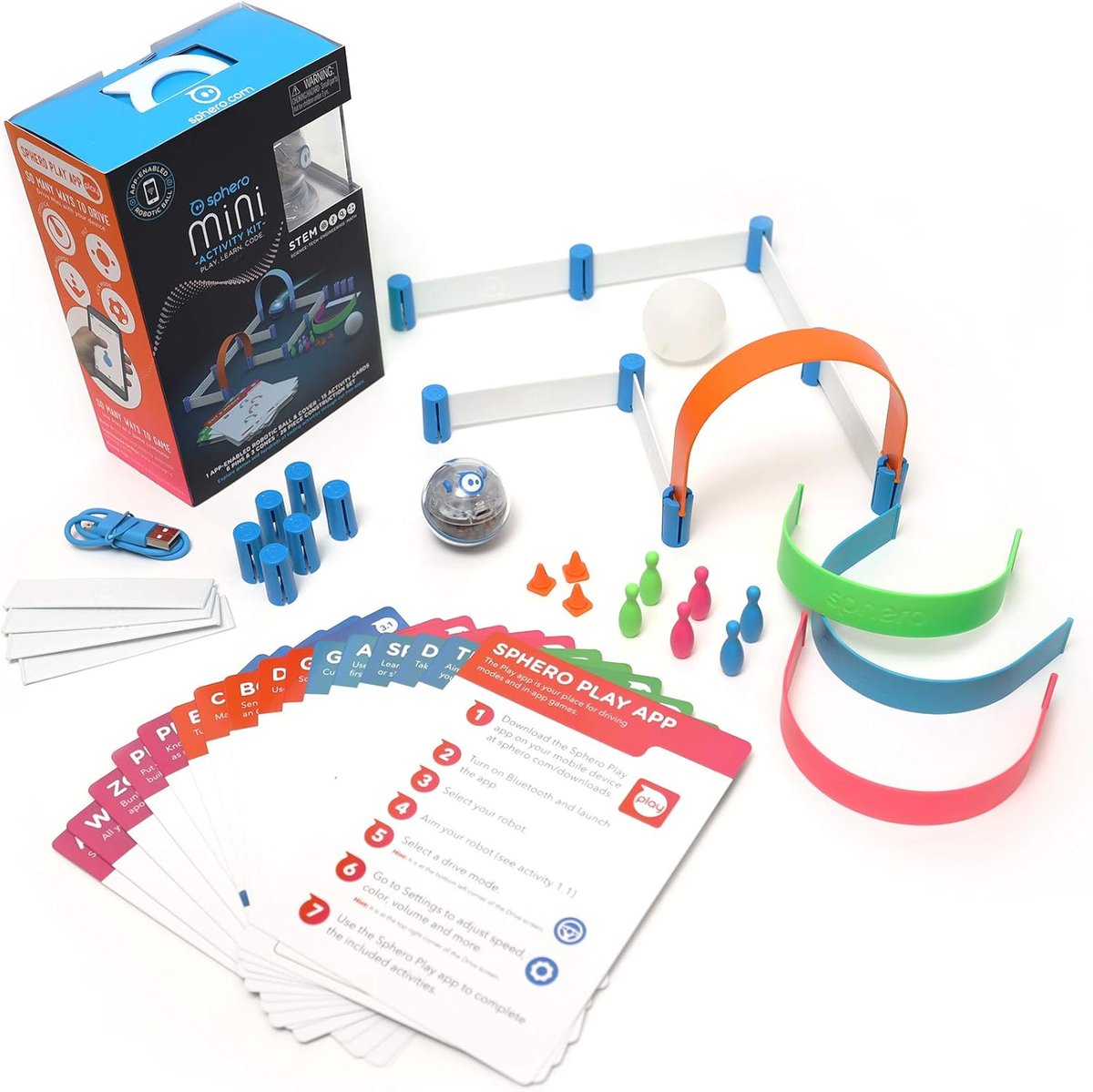
Sphero Mini App-Controlled Robot
A pocket-size programmable ball-bot. Drive it, race it, code it — in a kid-friendly app.
⭐ Read our full review: Sphero Mini Review: A Programmable Robot That Won't Bore After a Week →
A ping-pong-ball-sized robot that you can drive around with a phone or tablet, race against friends, or — most usefully — programme using a visual block-based coding language called Sphero Edu. A great first programmable toy that genuinely teaches loops, variables and conditional logic.
💛 Buyer's guide
Ages 8 and up. Charges via USB; battery lasts about 45 minutes per charge. Pairs with iOS and Android via Bluetooth. Plays nicely on hardwood and tile but struggles on thick carpet. A surprisingly absorbing gift that doesn't end with a single play session.
Frequently asked questions
What devices work with the Sphero Mini?
iOS 11 and Android 6 or later. Pairs via Bluetooth — no separate dongle needed. The Sphero Play and Sphero Edu apps are both free.
How long does the battery last?
About 45 minutes of active play per charge. Charging takes around an hour via USB. Spare batteries aren't sold — you'll just need to plug in between sessions.
Will it work on carpet?
Thin office-style carpet and hardwood/tile work brilliantly. Thick plush carpet or rugs slow it down too much to be fun. Plan your play space.
Does it teach real coding?
Yes — the Sphero Edu app uses a Scratch-style drag-and-drop block language. Kids can write programs that drive the Sphero in patterns, react to sensors, change colours and play sounds. Concepts include loops, conditionals and variables.